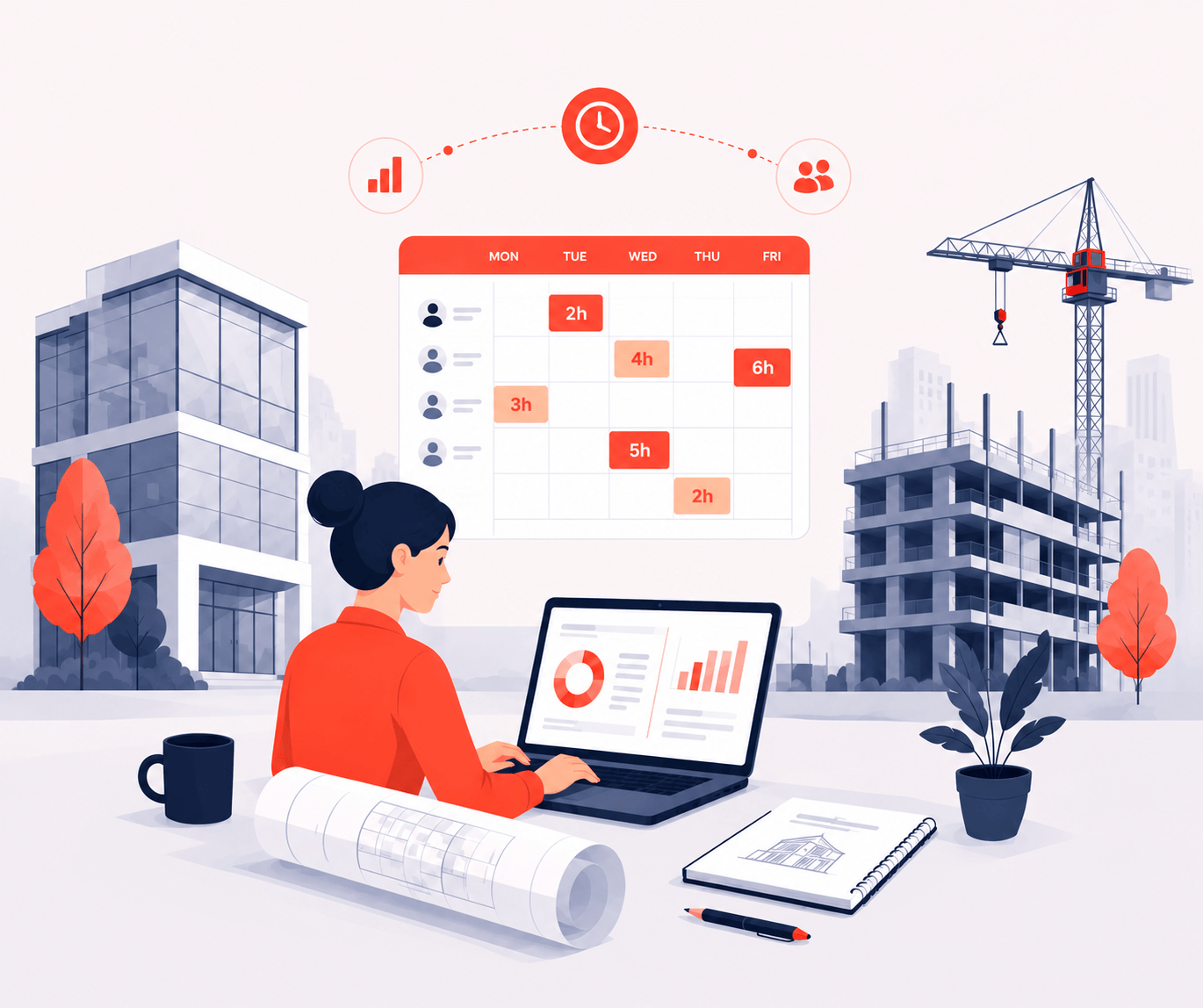
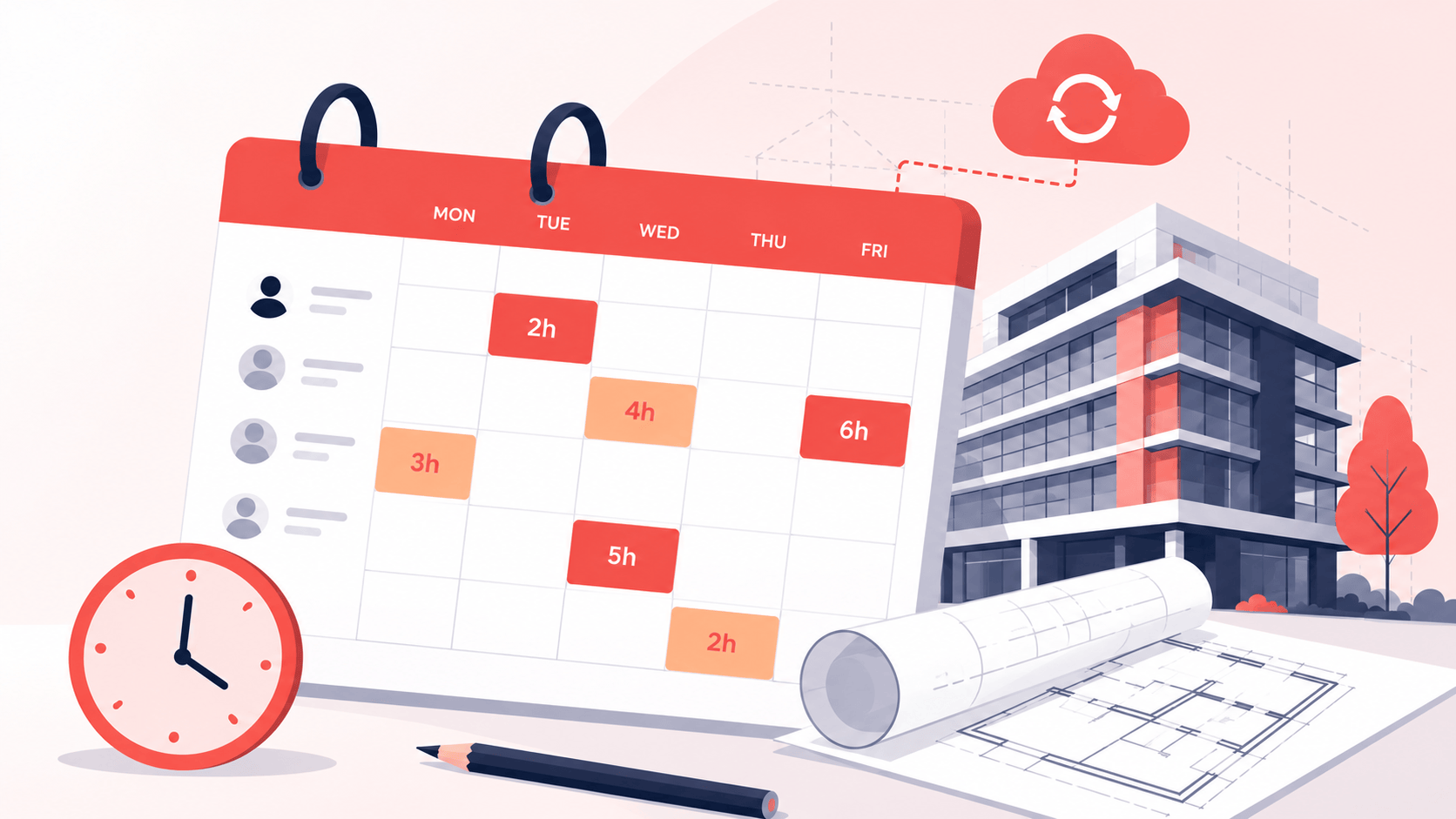
Why most architecture firms struggle with timesheet visibility
- Hours logged against the wrong RIBA stage, skewing your project cost data and making it impossible to improve future estimates
- Fixed-fee projects running over budget with zero visibility into where billable time went
- Limited visibility into profitability per project and per RIBA stage – no way to forecast revenue or cost control
- CPD tracking and compliance reporting missing or scattered across spreadsheets
- Manual timesheet chasing every week for incomplete or duplicate entries
Timemarker offers RIBA-stage time tracking & project cost control
Track time by RIBA stage, manage project costs, and get clear visibility on utilisation – without adding admin overhead.
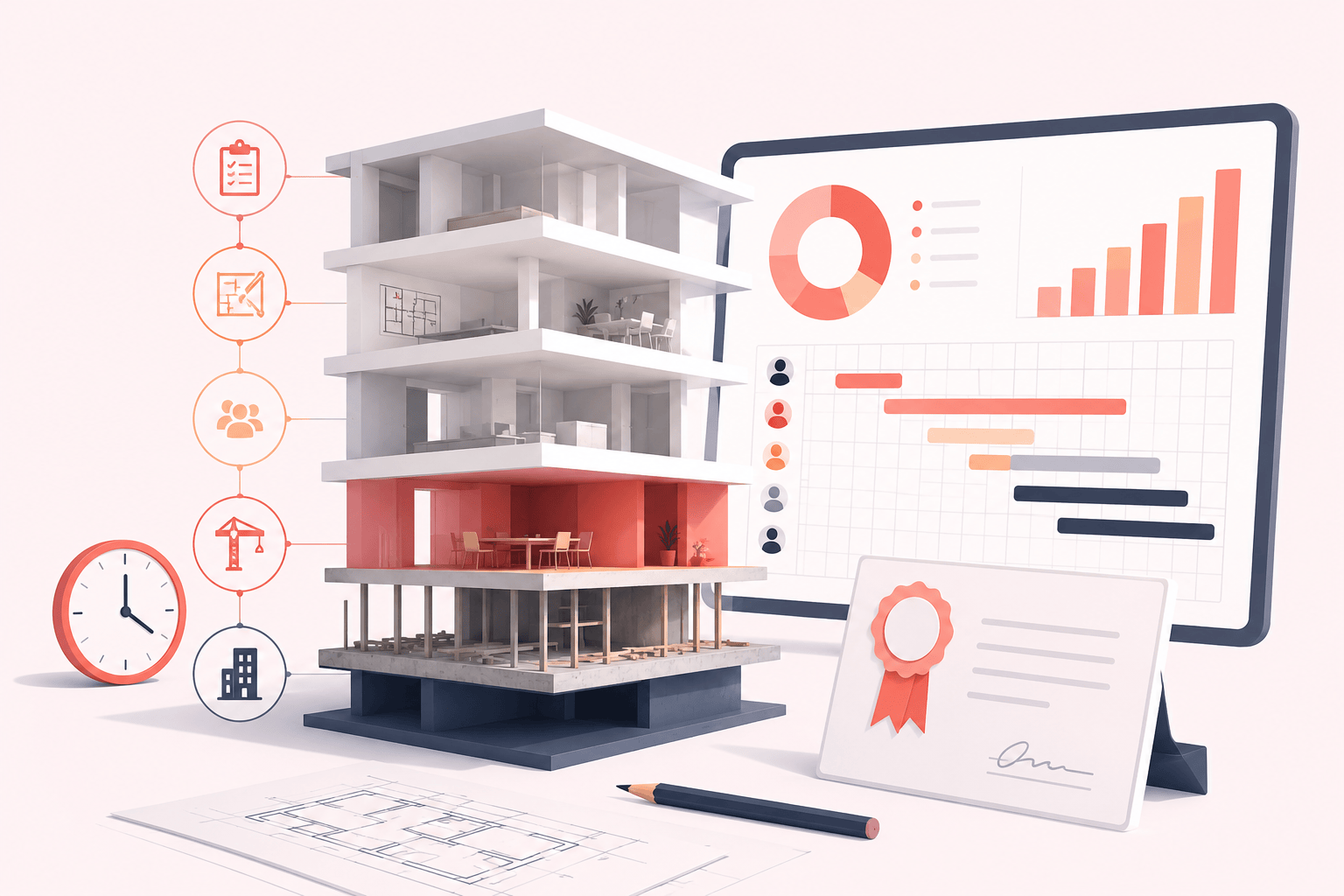
- Track time across 5 levels – client, project, RIBA stage, task, and sub-task (unlike most tools that max out at 2-3)
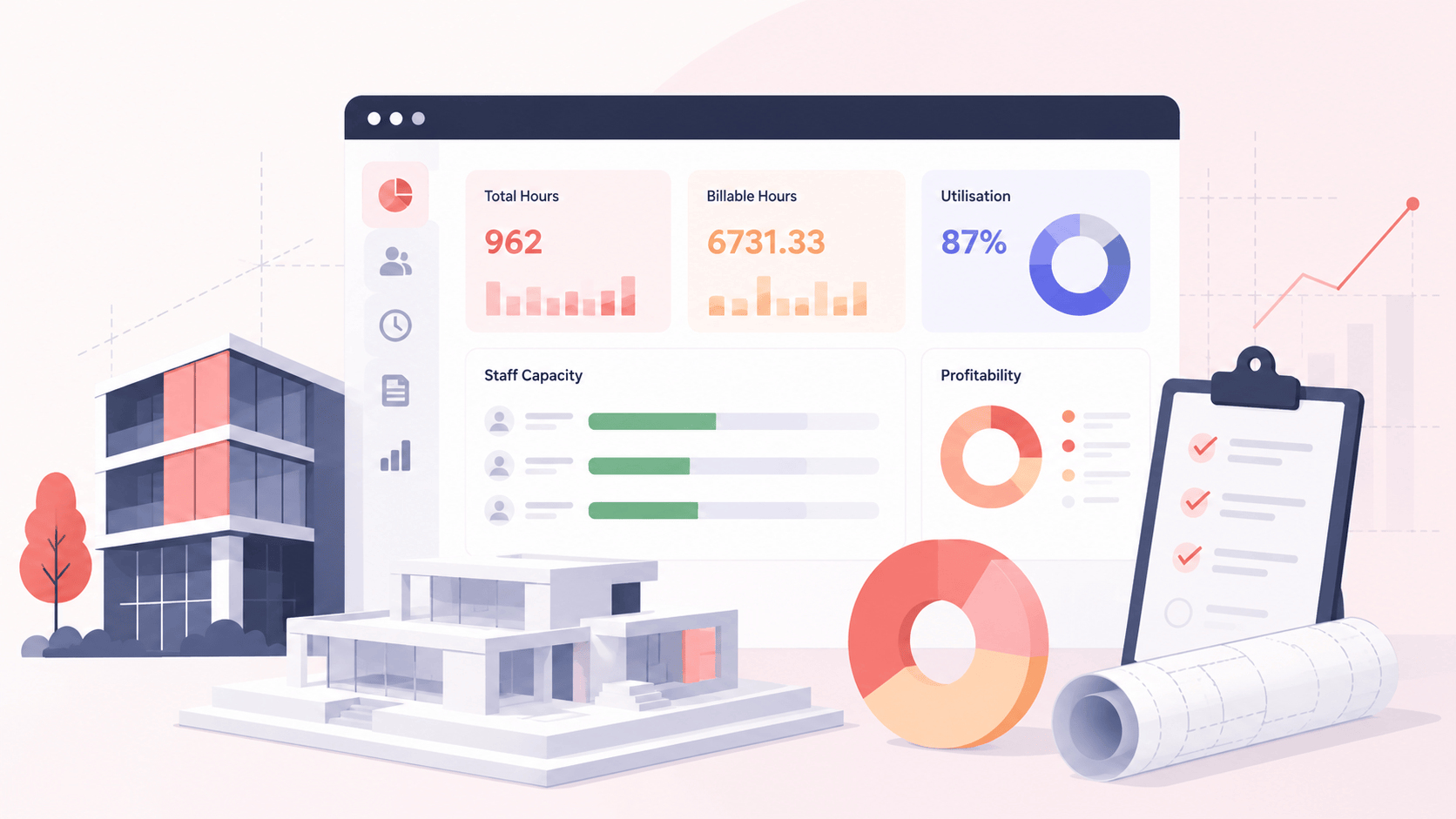
- See profitability by RIBA stage – instantly identify which design phases drain fees and why
- Set and monitor cost budgets – per project, per RIBA stage, per task – with alerts when you’re approaching overruns
- Automated CPD tracking & compliance reporting – log CPD hours per team member; export compliance reports for RIBA/ARB audits
- Timesheet automation & reminders – reduce manual follow-up, improve completion rates, spot late entries before client handoff
How is Timemarker different from other timesheet software?
Most timesheet tools offer 2-3 tracking levels. Timemarker is built specifically for architecture workflows.
Timemarker supports up to 5 levels of time entry – client, project, RIBA stage, task, and sub-task – so your data reflects how work is genuinely done. That means more accurate cost recovery, clearer stage profitability, and reports you can actually show clients.
Automated timesheet reminders, manager approvals, and CPD tracking are all built in – without the complexity of enterprise software.